PDF OCR without an account
Upload scanned PDFs or images and extract plain text directly from the first screen.

Upload a scanned PDF, screenshot, receipt, or image when Ctrl+F finds nothing or you cannot copy the text. Extract text, then copy or download the result without creating an account.
Copy the OCR output or download it as a TXT file.
The first release keeps the stack small: static Cloudflare deployment, PDF rendering, and OCR from a simple page workflow.

Upload scanned PDFs or images and extract plain text directly from the first screen.
Upload a file, pick a language, and extract text without an account gate.
Start with English, Chinese, Japanese, Korean and major European languages through Tesseract language packs.
Supports PDF pages, screenshots, camera scans and common image formats with one upload flow.
Copy extracted text or download a TXT file for search, translation, summarization or archival.
Positioned around Unlimited OCR and PDF OCR workflows, with room to add stronger document AI later.
These are the real searches people make before they look for a PDF OCR tool.

Scanned PDFs look like documents, but the page is really an image. PDF OCR adds extractable text so search starts working again.
Upload the scan, receipt, screenshot, or camera photo and turn the visible words into plain text you can copy.
Use OCR output as a first pass before chunking PDFs for RAG, semantic search, notes, or summarization.
Research models such as DeepSeek-OCR and Baidu Unlimited-OCR point to stronger long-document parsing. This site starts with a no-login OCR tool and leaves room for model-backed parsing later.
PDF.js renders every page for recognition. Tesseract.js reads each rendered page and the app joins results in page order. It is boring, cheap to host, and good enough for a public no-login launch.
The first version is intentionally plain: fast upload, OCR processing, useful text output.
| Need | Typical free OCR | Unlimited OCR |
|---|---|---|
| Account required | Often yes | No login for the OCR tool |
| PDF handling | May require upload to a server | PDF pages are prepared for text recognition |
| Best fit | One-off simple files | Scanned PDFs, screenshots, notes, receipts |
| Output | Plain text or limited preview | Copyable text and TXT download |
The no-login OCR tool is the launch path. Model-backed parsing can come later when accuracy, tables, or long documents justify the extra infrastructure.
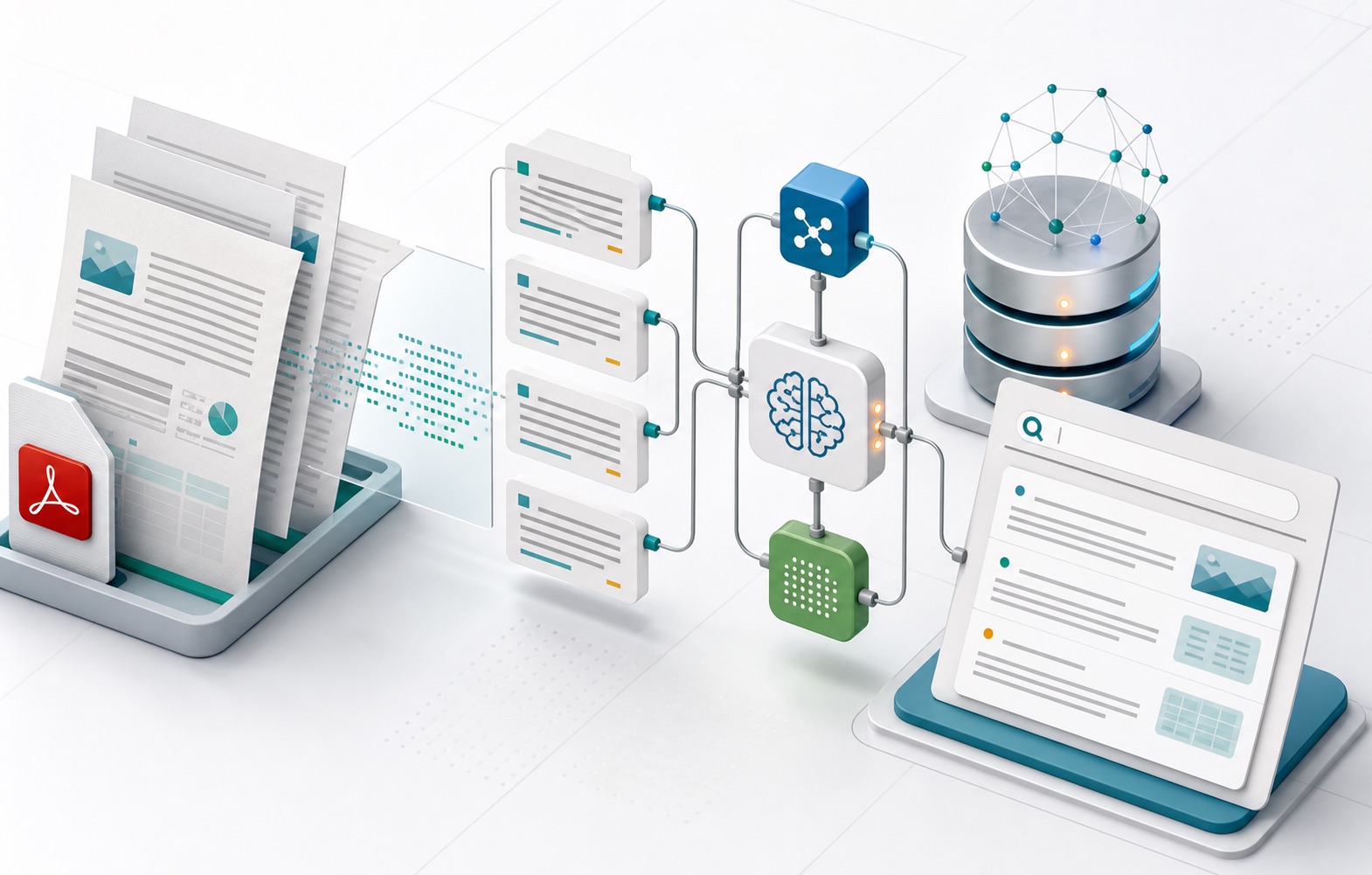
| Engine | Role | Why it matters |
|---|---|---|
| Tesseract.js | Image OCR engine | Private, cheap to host, good for public no-login OCR |
| PDF.js | PDF page rendering | Turns scanned PDF pages into canvas images |
| Baidu Unlimited-OCR | Future model-backed parsing | Better fit for long-horizon document parsing when GPU backend exists |
Descriptive internal links for common image OCR, PDF OCR, and AI OCR workflows.
Plain answers for the current Unlimited OCR launch.
This first version processes one PDF or image at a time to avoid overwhelming your browser. Batch OCR can be added later if users need it.
Usually yes. If search cannot find words you can see on the page, the PDF is probably a scan or image-only document.
Yes. The TXT output is a simple first step for RAG ingestion, semantic search, summarization, or translation workflows.
This first version extracts plain text. Table reconstruction, field extraction and searchable PDF output should be added only when needed.
Upload a scanned PDF, screenshot, receipt, or image and turn visible text into copyable text in seconds.